Bulk Campaigns
Create WhatsApp broadcasts with contact groups, macros, media, delays, progress tracking, and clear send logs.
Send personalized WhatsApp campaigns, rotate sender devices, capture opt-outs, sync contacts, and automate replies from one focused dashboard built for fast-moving teams.
The interface is designed for repeated daily work: campaign status, sender health, contact groups, logs, templates, and automation stay visible without clutter.
Create WhatsApp broadcasts with contact groups, macros, media, delays, progress tracking, and clear send logs.
Group multiple connected devices and rotate campaign sends across them for smoother throughput.
When someone replies STOP, UNSUBSCRIBE, or OPT OUT, WhatSender stores them and skips future campaign sends.
Build keyword replies, welcome flows, and simple chat automation for always-on customer response.
Connect WhatsApp devices by QR code and monitor connection status, phone number, and sync health.
Create API apps and download ready-to-run PHP sample pages for external integrations.
WhatSender keeps the setup practical: connect, organize, compose, and send. Everything important stays measurable.
Add a device, scan the QR code, then sync contacts and groups.
Import contacts, organize groups, and keep opt-outs out of every campaign.
Pick one connected device or use a sender pool to rotate messages.
Start the campaign and monitor sent, failed, and remaining messages in real time.
Use the built-in subscription plans, payment gateways, and limits already configured in the platform.
Built for teams that want a clear WhatsApp sending workspace.
Built for teams that want a clear WhatsApp sending workspace.
Built for growing teams running regular WhatsApp campaigns.
Built for teams that want a clear WhatsApp sending workspace.
Practical guides, product notes, and sending ideas for better WhatsApp operations.
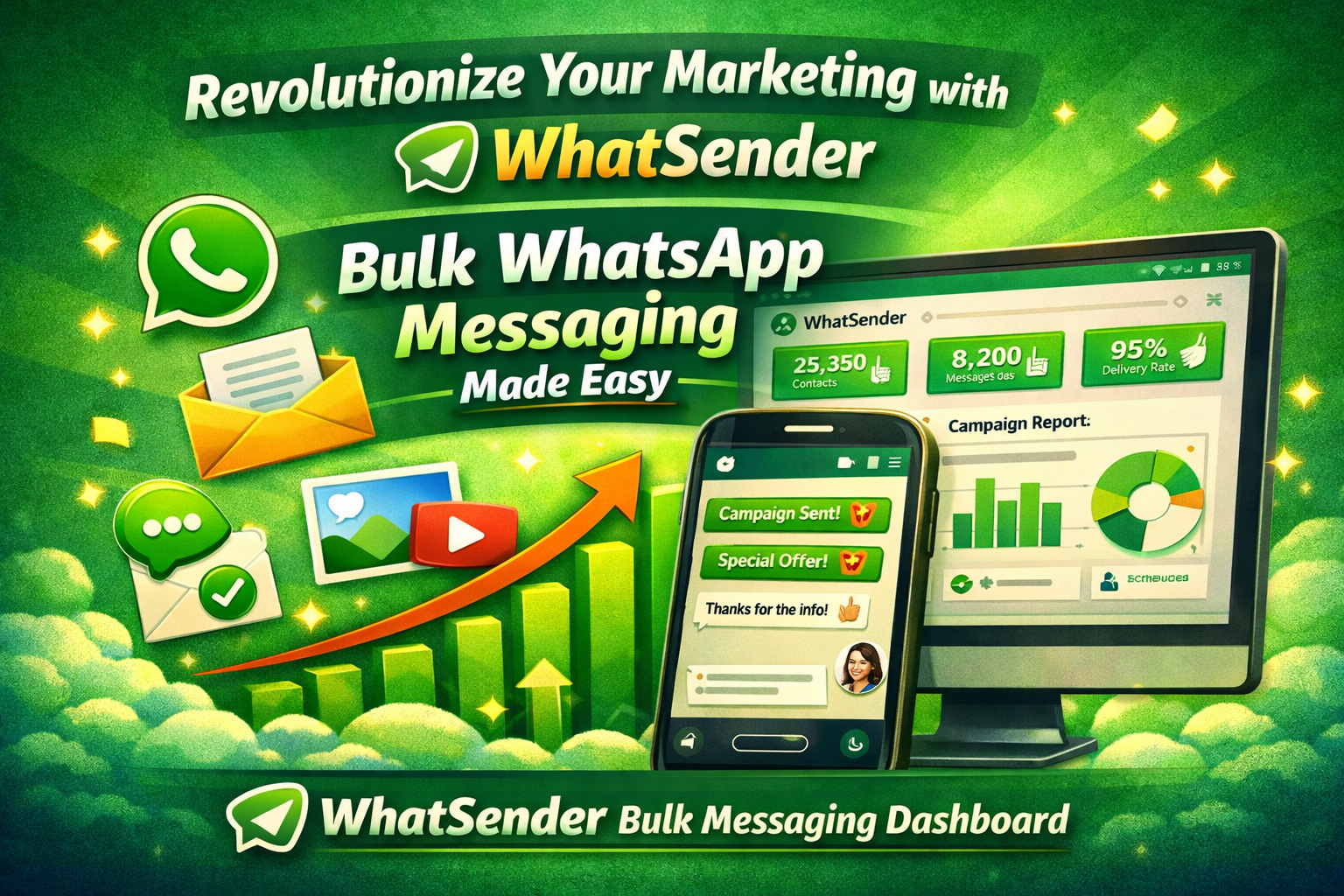
Learn how businesses can improve customer engagement, automate communication, and increase sales using WhatSender WhatsApp marketing software.
Read featured guide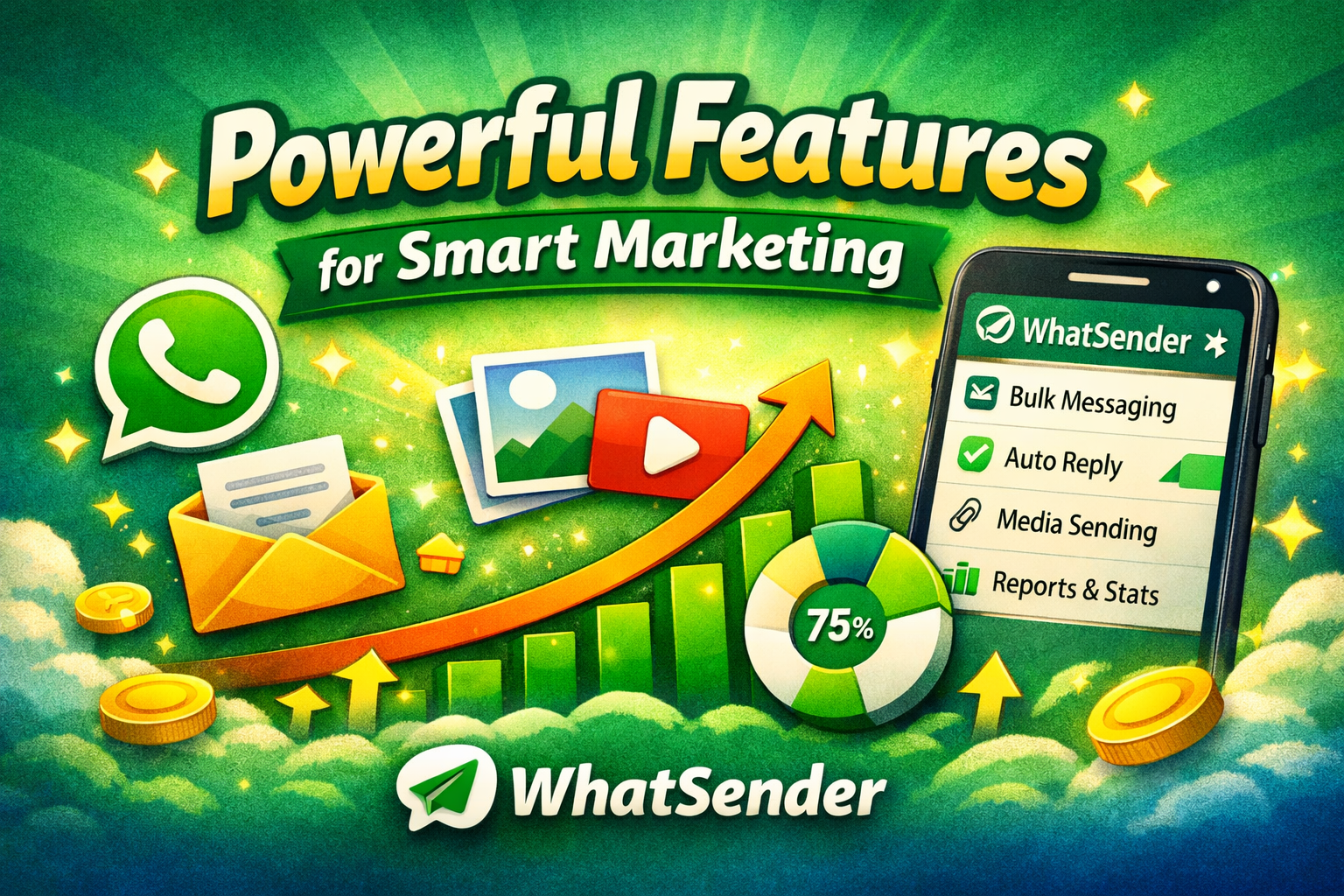
Explore the advanced features of WhatSender including bulk messaging, media sharing, campaign reports, contact management, and personalized WhatsApp marketing.
Read more
Discover how WhatSender helps businesses send bulk WhatsApp messages, automate communication, and improve customer engagement with powerful marketing tools.
Read more